
Find any room at CSI. Get there on time.
CSI Map turns a room number into walking directions on the campus paths, and tells you when to leave for your next class.
Free on the web and iPhone. Android is on the way. See how it works
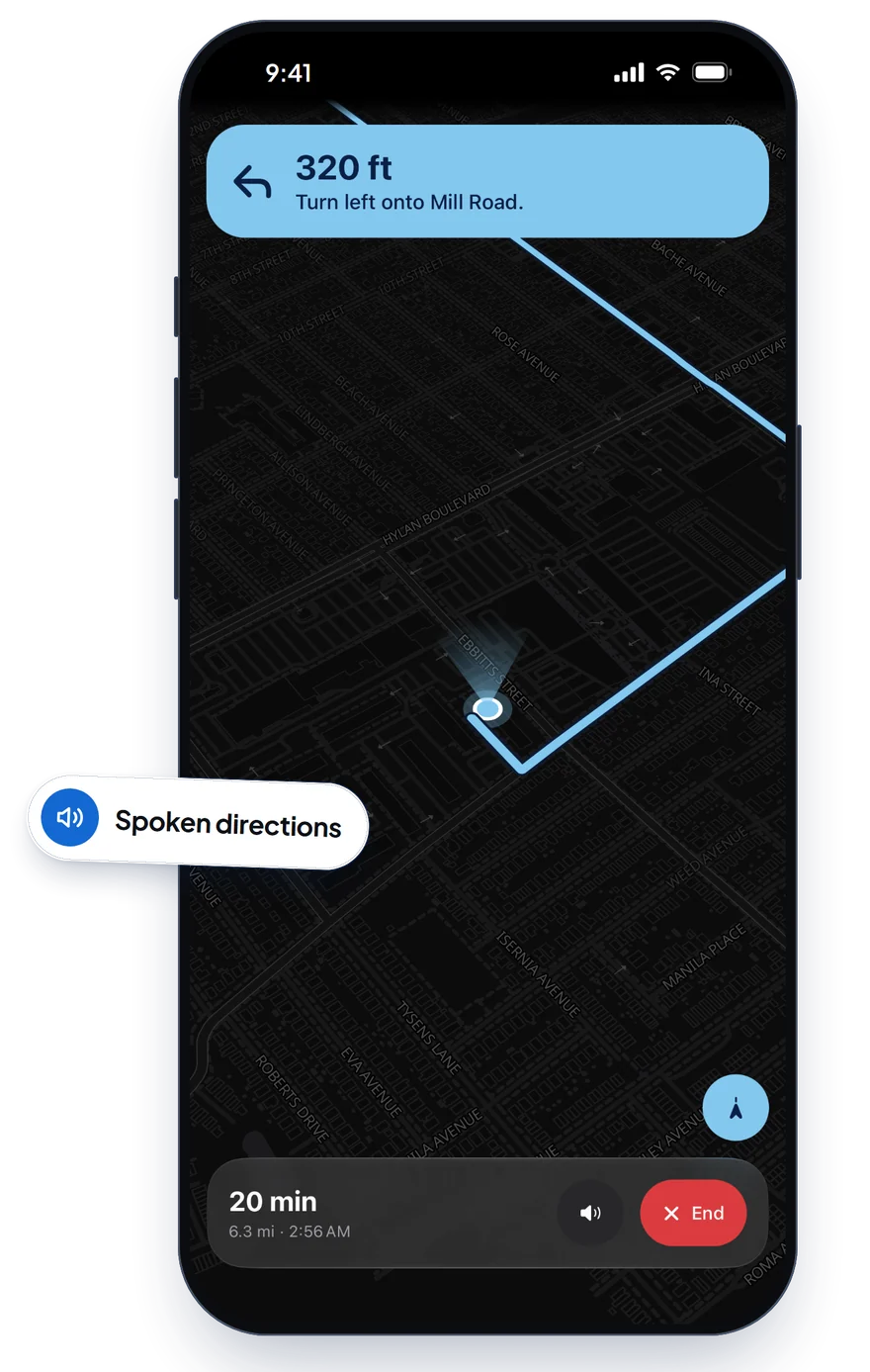
Search
Type 1N-215. That is the whole search.
Every building and room at CSI is in it, along with the floor each room is on. Only know the building? Leave the room empty and it takes you to the door.
- Tells you to take the stairs down when a room is below ground.
- Shares any place as a link that opens right on it.
- Works without an account.
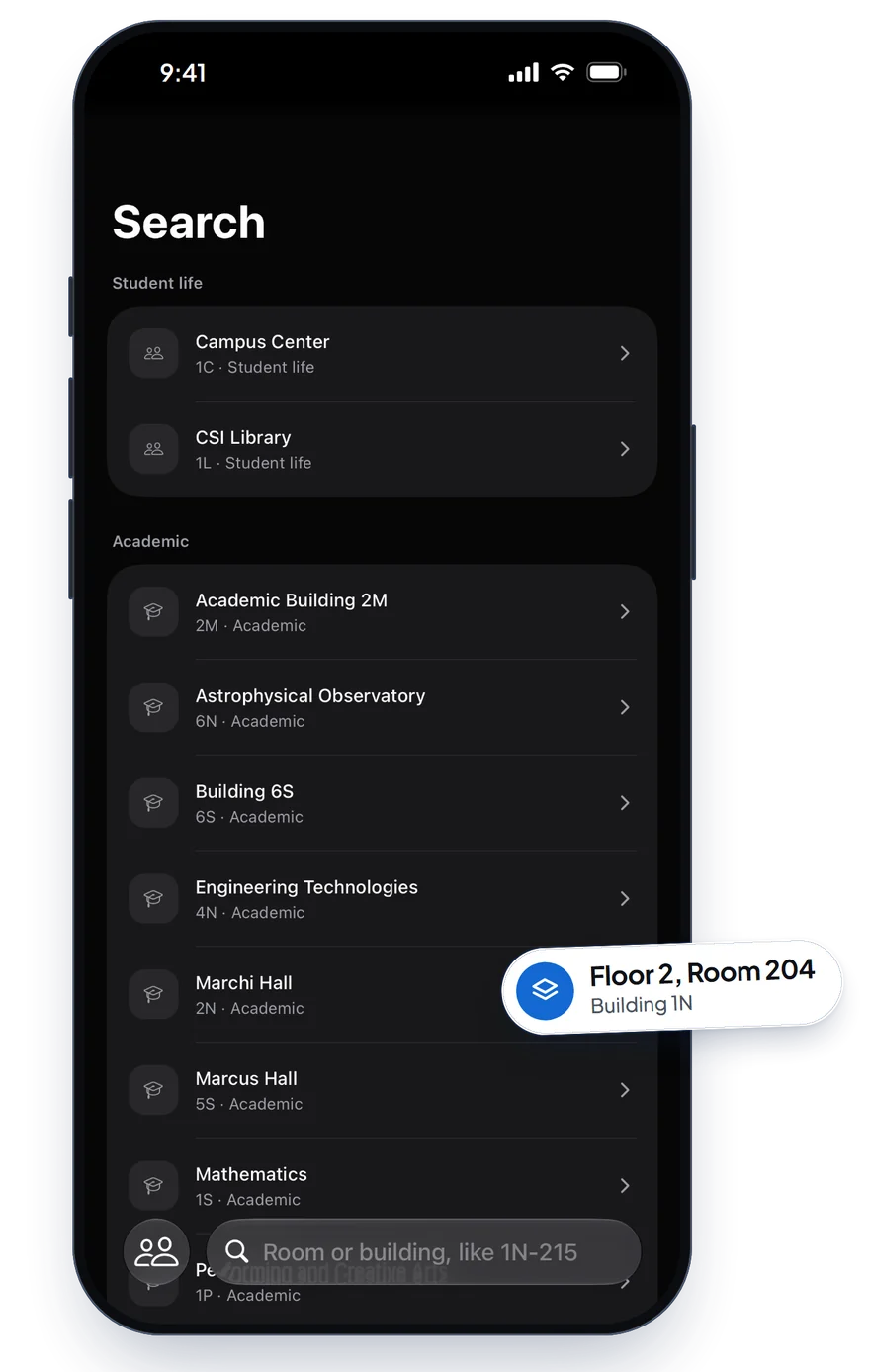
Classes
Your schedule, with the walk built in.
Paste it from CUNYfirst once. The next class sits on top with directions a tap away, and each day of the week is one tap on the strip.
- Warns when two classes are too far apart to make it in time.
- Starts the walk from your last class, not from where you sat down.
- Stays on your device. Nothing is uploaded.
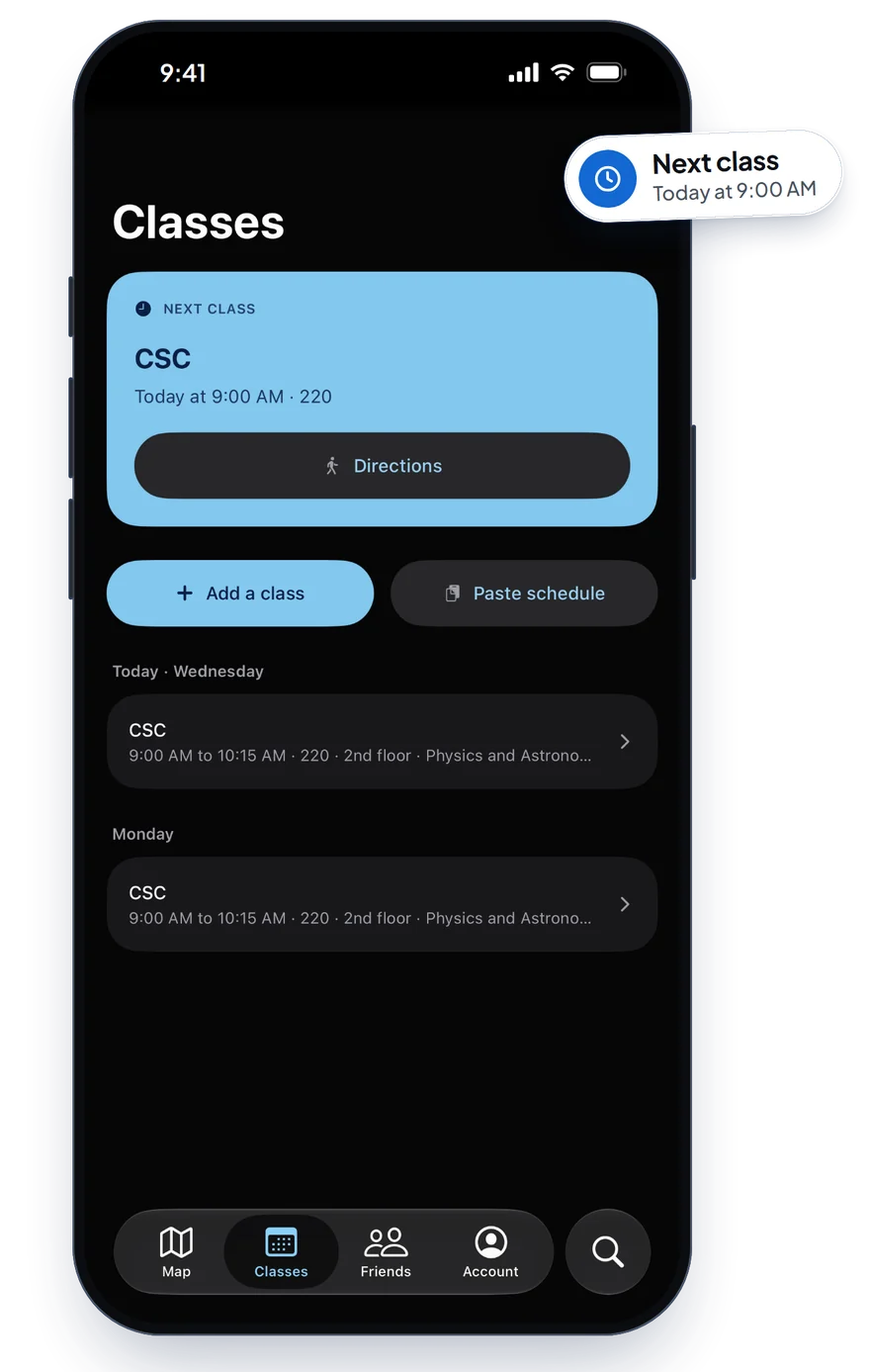
Friends
Meet up without the “where are you” texts.
Pick a spot and invite friends. Everyone shows on the map until the meetup ends, and then it forgets where you were.
- Friends find you by username. Your email stays private.
- Block or report anyone, any time.
Events
See what is on today.
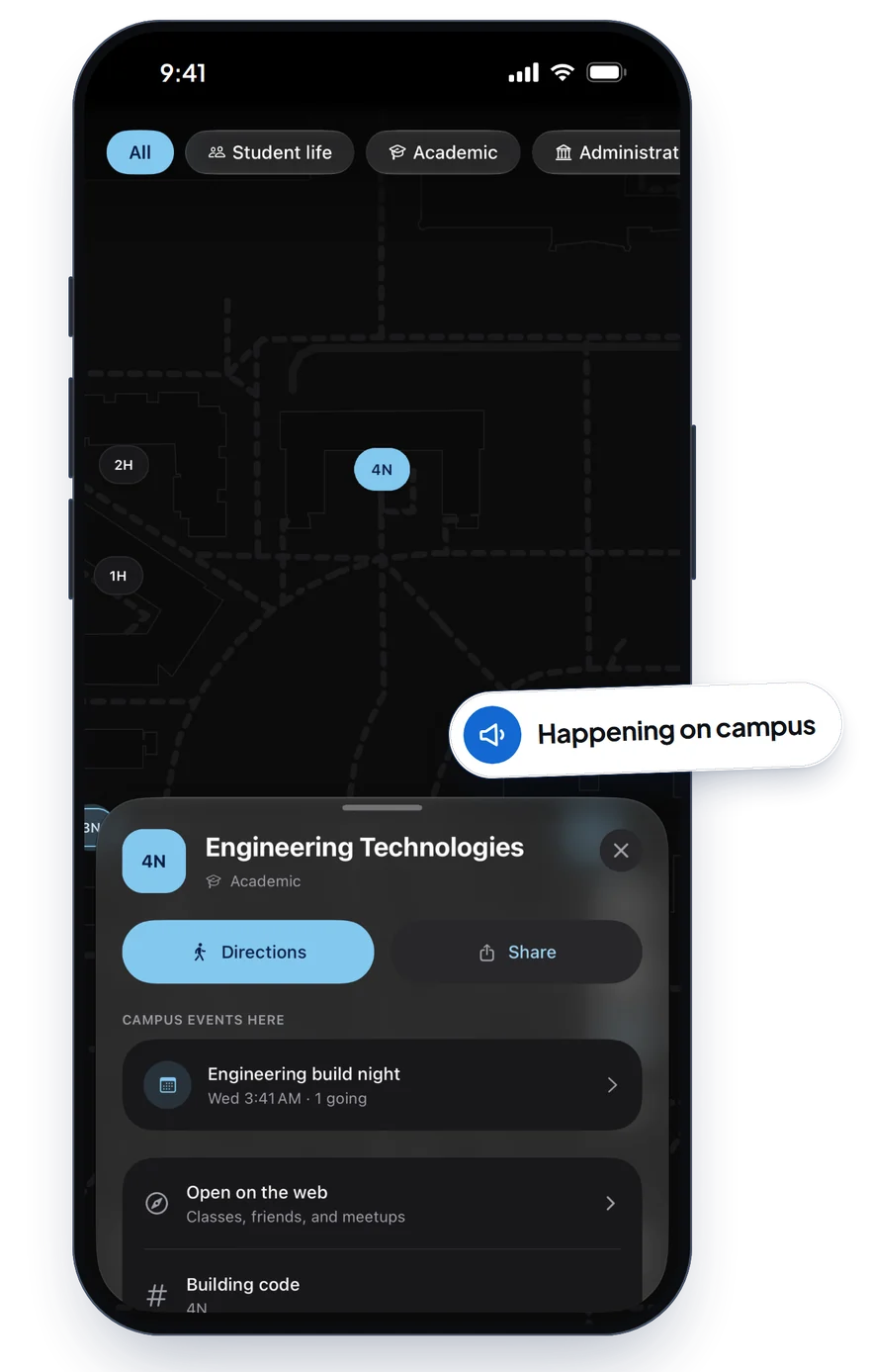
Campus events sit right on the map. Tap a building to see what is happening inside, then get walked to the door.
- Anyone can join, from study groups to pickup games.
- Filter the map to student life, academic buildings, and more.
And the small things.
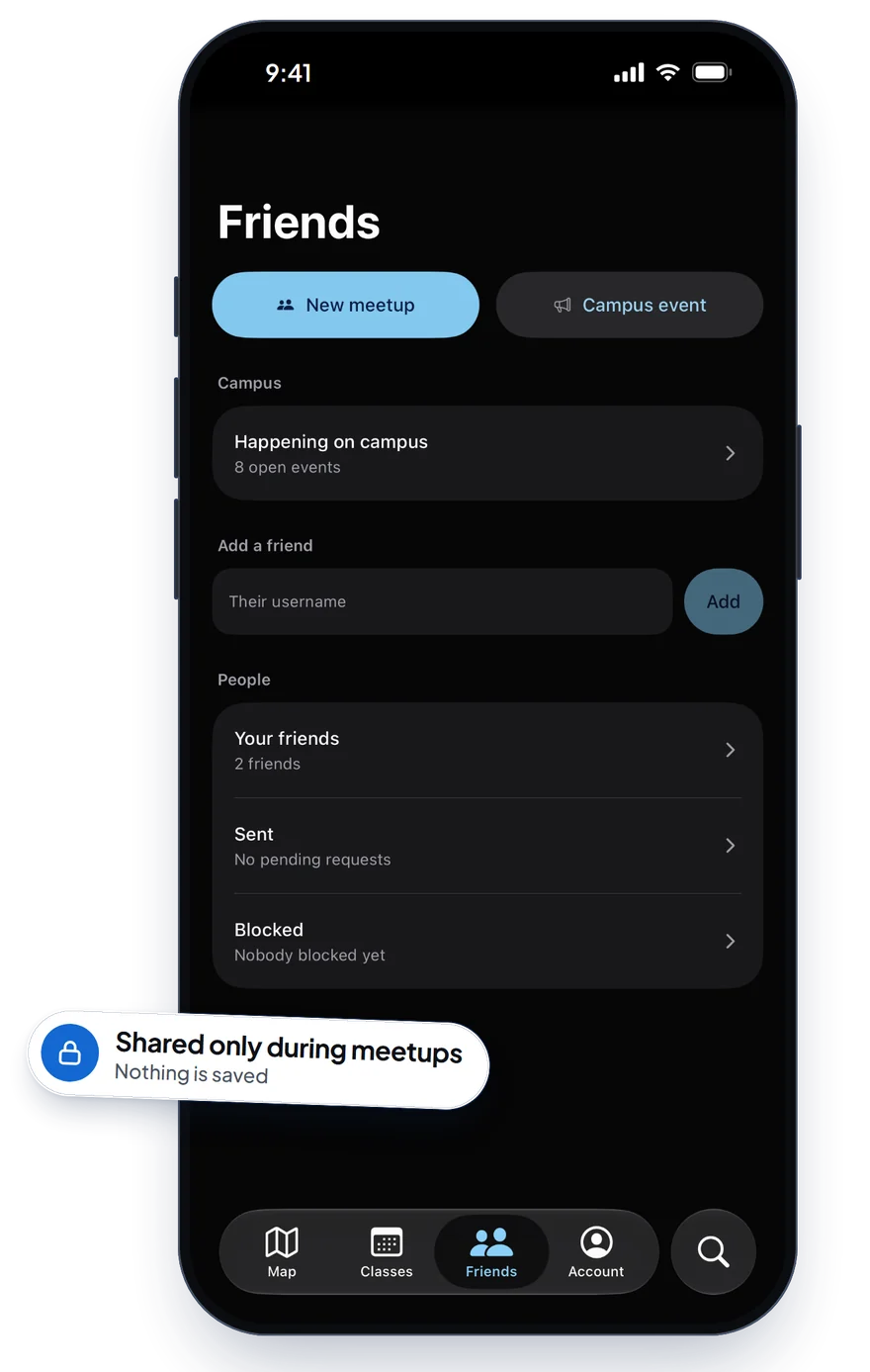
- Directions keep going with the screen off, and show on the Lock Screen on iPhone.
- A natural voice reads each turn, made on your phone so it keeps talking with no signal.
- One switch to avoid stairs, for the whole walk.
- Add stops on the way, and it asks before sending you around campus for one.
- From off campus it handles the drive or ride in, then walks you from where you park.
- On iPhone, ask Siri for directions to any building.
Private by default.
The map, search, and directions work without an account, and the rooms you look up never leave your device.
Sign in only if you want friends. Your school email is stored encrypted, friends see your name and username, and nobody sees where you are unless you join a meetup. When it ends, so does the sharing.
Read the privacy policy